
ProdshotAI Freemium
Affordable Product Photography with AI

A documentation-based review of Fotor AI Headshot Generator covering inputs, styles, likeness checks, privacy, consent, hiring risks, and appropriate uses.
Fotor AI Headshot Generator creates professional-looking portrait variations from photos you upload. It is designed for profile images, résumés, team pages, and social accounts, with selectable clothing and background styles. The result is a synthetic interpretation, not a verified photograph, so facial details, age cues, skin tone, hair, clothing, and accessories can drift.
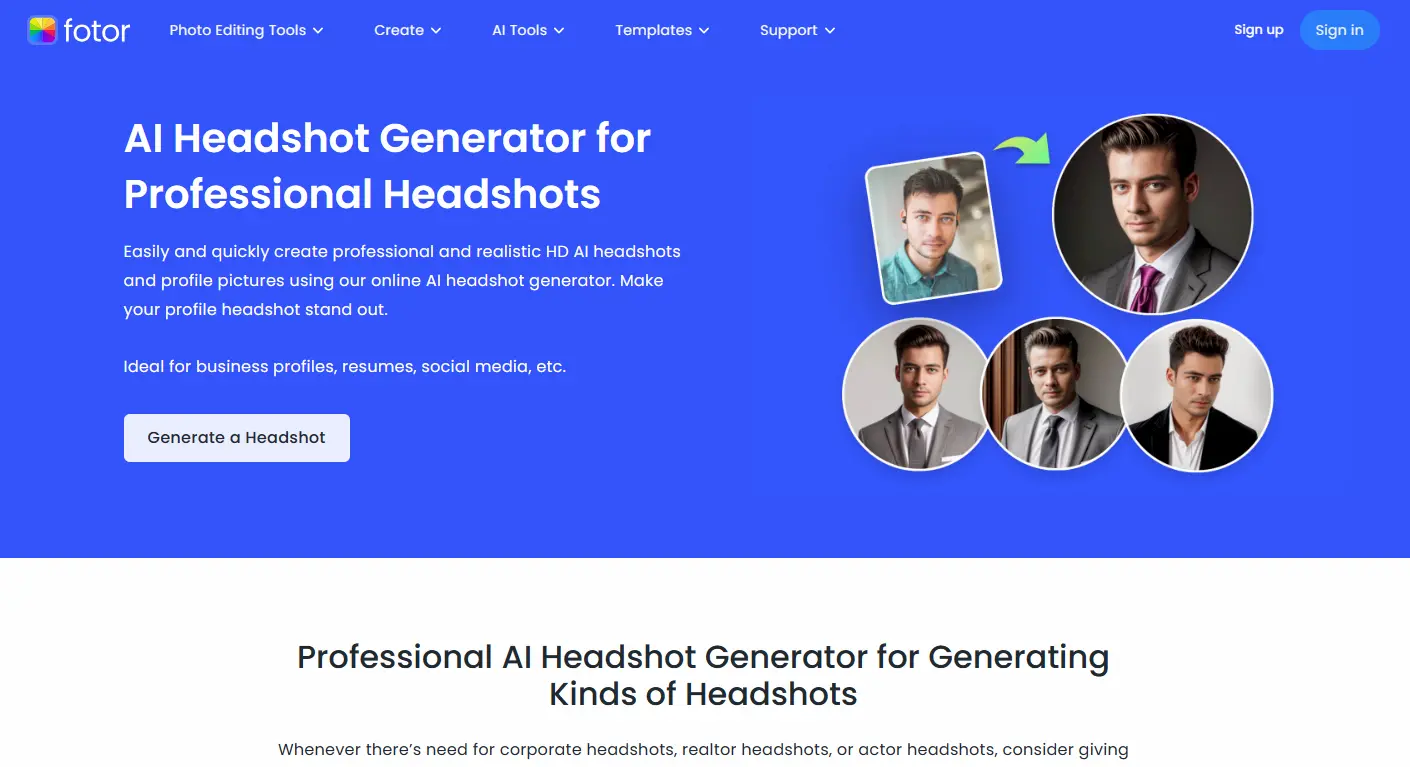
This page was updated on September 9, 2026 from Fotor's current product, help, privacy, and developer documentation. We did not run a controlled image-quality benchmark. Product performance and deletion statements below are vendor-described and should be verified before sensitive or organizational use.
| Stage | What to expect | What to check |
|---|---|---|
| Upload | Provide clear photos of the person whose headshot will be generated | Consent, file rights, image quality, visible identifiers, and whether the upload is appropriate for a third-party service |
| Style selection | Choose presentation, clothing, or background directions offered by the interface | Whether the style fits the actual role and avoids misleading uniforms, credentials, or settings |
| Generation | Receive multiple synthetic portrait options | Likeness, eyes, teeth, ears, hairline, glasses, jewelry, skin detail, clothing edges, and background artifacts |
| Export | Download a selected portrait for a profile or design workflow | Resolution, crop, color, compression, disclosure needs, and the destination platform's rules |
Face photographs can be sensitive personal data and may be treated as biometric data when processed to identify a person. Fotor's help material says photos submitted to its AI Avatar or AI Headshot Generator are automatically deleted within 24 hours. Treat that as the vendor's current statement, not an independent audit. Before uploading employee, client, student, or child images, check the current privacy policy, retention period, subprocessors, transfer locations, security controls, deletion method, and whether the person gave informed permission for this specific use.
Do not upload someone else's portrait to impersonate them, fabricate an endorsement, create deceptive account credentials, or place them in a misleading professional context. Keep the original consent and approval record when a generated portrait is used by an organization.
A consistent background can help a staff directory, but teams should offer a non-AI option and avoid requiring people to change identity-linked appearance. Recruiters should evaluate documented skills and job-related evidence, not a synthetic portrait. If headshots are hidden during early review, apply that rule consistently and record the hiring rationale separately from appearance.
Fotor is a candidate for low-stakes profile and design imagery when the subject consents and personally approves the output. Its usefulness depends on likeness fidelity, artifact rate, privacy terms, and the number of acceptable images—not on how polished the examples look. It is not a substitute for a compliant identity photo, and generated appearance should never become evidence about character or employability.

Affordable Product Photography with AI

AI-powered headshot generator that helps you create professional, high-quality headshots

EveryMe.ai effortlessly transforms your photos into professionally enhanced headshots using advanced AI and expert photography.

Professional studio quality AI Headshots

Upload a selfie, and get a professional and realistic HD AI headshot in 1 minute online. Make your profile headshot stand out.

What If? App's Deep Swap face swapping AI is the best in the marketplace with ultra realistic quality and be
Quick compare routes for nearby alternatives.
Compare Fotor AI Headshot Generator Review: Quality, Privacy, and Safe Use with ProdshotAI and jump into the preserved compare route.
Open compare route →Compare Fotor AI Headshot Generator Review: Quality, Privacy, and Safe Use with HeadshotAI and jump into the preserved compare route.
Open compare route →Compare Fotor AI Headshot Generator Review: Quality, Privacy, and Safe Use with EveryMe.ai and jump into the preserved compare route.
Open compare route →